Windows 11 26H2 Is Generally Available: What Changed and How to Upgrade
Microsoft says Windows 11 version 26H2 is generally available. Check eligibility, understand the update path and review known issues before installing.
On this page
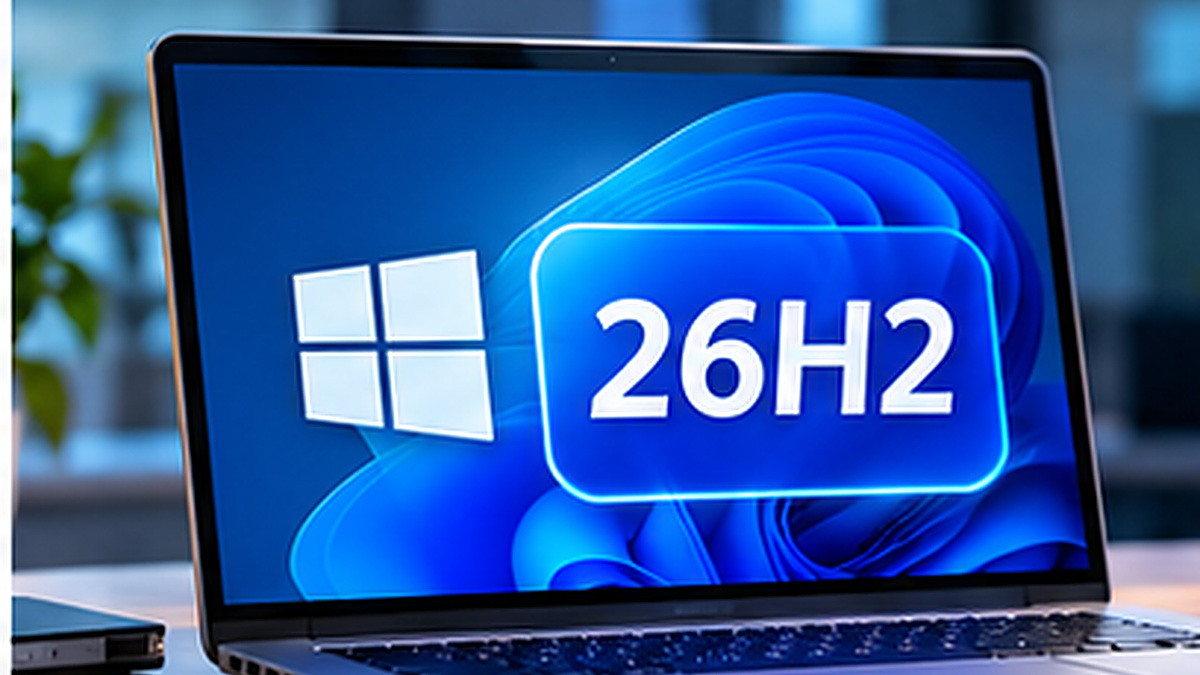
Windows 11 version 26H2 is generally available, according to Microsoft's official Windows release-health documentation. That makes it an important update for people using versions 24H2 or 25H2, but availability does not mean every computer should be upgraded without checking compatibility and known issues.
Microsoft's Windows 11 version 26H2 release-health page reported in its October 21, 2026 status update that the phased rollout had reached full availability for devices running Windows 11 versions 24H2 and 25H2. Users can check Windows Update to see whether the version is offered to their device.
What is Windows 11 26H2?
Version 26H2 is the Windows 11 feature update for 2026. Microsoft describes it as containing the recently announced features already delivered across versions 24H2 and 25H2, using servicing technology that supports a relatively fast installation path for eligible systems. The exact user-visible feature set can depend on hardware, region, configuration and the update stage.
Do not assume that every Windows device will show the same features on the same day. Hardware requirements and managed-device policies can affect what is offered.
How to check whether you can upgrade
- Open Settings → System → About and record your Windows edition and version.
- Back up important files and ensure the device has power and usable storage.
- Go to Settings → Windows Update.
- Select Check for updates.
- If version 26H2 is offered, review the displayed information and choose Download & install when ready.
For business devices, check with your IT team first. Deployment rings, application testing and organizational policies can deliberately delay feature updates.
Which Windows builds are involved?
Microsoft's Windows 11 release-information page identifies version 26H2 with OS build family 26300. For example, it lists KB5127648 on October 13, 2026 and a later October 28, 2026 release KB5127936 (build 26300.9818). These are historical references, not a promise that every machine receives the identical build or update immediately.
| Item | Microsoft-documented information |
|---|---|
| Feature version | Windows 11 26H2 |
| Release channel | General Availability Channel |
| Build family | 26300 |
| Release-health status checked | October 21, 2026: full availability reported for supported 24H2/25H2 upgrades |
| Where to verify | Windows Update and Microsoft Windows release health |
Are there known issues?
Yes, as with any major Windows release, Microsoft's release-health portal tracks known issues and resolutions. One documented October 2026 problem involved certain AVD sessions with FSLogix showing black screens or delayed desktops after sign-in. Microsoft reports that KB5127648 and subsequent updates resolved it. This case principally affected a specialized virtual desktop configuration and should not be described as a widespread consumer-PC crash.
Before upgrading, review the current Microsoft issue list for your environment. Microsoft's status can change, and a later article revision should reflect the latest verified details rather than silently altering the original news date.
Should you install 26H2 immediately?
For a typical supported personal device, the official Windows Update offer is a reasonable route when you are ready. If you depend on specialized software, critical drivers or business peripherals, verify publisher compatibility first. Maintain a tested backup, and use your IT administrator's deployment process for corporate devices.
Avoid unofficial ISO downloads, registry bypasses or “update accelerators” that promise unsupported installation methods. If Windows Update does not offer the release, investigate eligibility and official known safeguards instead of forcing an upgrade blindly.
Bottom line
Windows 11 26H2 is now a generally available Windows release, not an unconfirmed leak. The practical decision is whether your particular PC and applications are ready. Check the official release-health page, back up important data and install through supported channels.
Sources
- Windows 11 version 26H2 known issues — Microsoft
- Windows 11 release information — Microsoft
Related articles
Windows 10 After End of Support: Your 2026 Security and Upgrade Options
Windows 10 support ended in October 2025, but Microsoft offers Extended Security Updates for eligible devices while users plan a move to Windows 11.