
October 2026 Windows Security Updates: How to Check KB5127648 and Your Patch Status
Microsoft released KB5127648 for supported Windows 11 versions in October 2026. Learn how to verify your build and identify missing security updates.
Senior Technology Editor. A technology enthusiast and editor at DLLHelp.com. I enjoy exploring Windows, troubleshooting software issues, and making complicated technical topics easier to understand. I focus on creating clear, practical guides that help readers solve DLL errors, improve system performance, and keep their computers running smoothly.
Microsoft released KB5127648 for supported Windows 11 versions in October 2026. Learn how to verify your build and identify missing security updates.
Microsoft says Windows 11 version 26H2 is generally available. Check eligibility, understand the update path and review known issues before installing.

A black screen after Windows sign-in has multiple possible causes. Here is how to triage it—and what Microsoft confirmed for AVD with FSLogix.
Windows 10 support ended in October 2025, but Microsoft offers Extended Security Updates for eligible devices while users plan a move to Windows 11.

DLL hijacking can abuse the way an application locates libraries. Learn the warning signs and practical defensive measures for Windows users and developers.
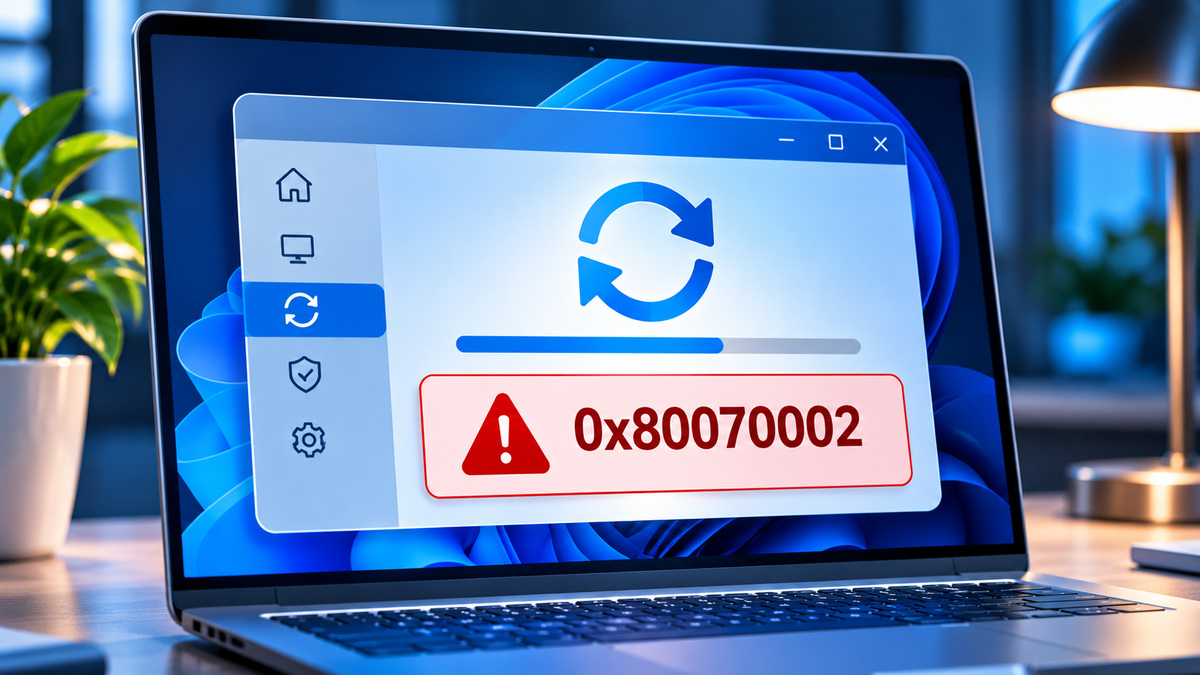
If Windows Update fails with 0x80070002, check the update history, run the built-in troubleshooter, then repair Windows components if needed.
Find out whether a Windows 11 app failure is caused by the app, missing runtimes, corrupted files or a recent change—and try safer fixes first.
Learn what VCRUNTIME140_1.dll does, why an app may fail to start, and how to restore the correct Microsoft runtime safely.
MSVCP140.dll errors usually point to a Visual C++ runtime problem. Use official packages and targeted checks instead of random DLL downloads.
Older games can need the optional legacy DirectX XInput 1.3 component, even on a Windows PC with a modern DirectX version.