XINPUT1_3.dll Missing? How to Fix the Error in Older PC Games
Older games can need the optional legacy DirectX XInput 1.3 component, even on a Windows PC with a modern DirectX version.
On this page
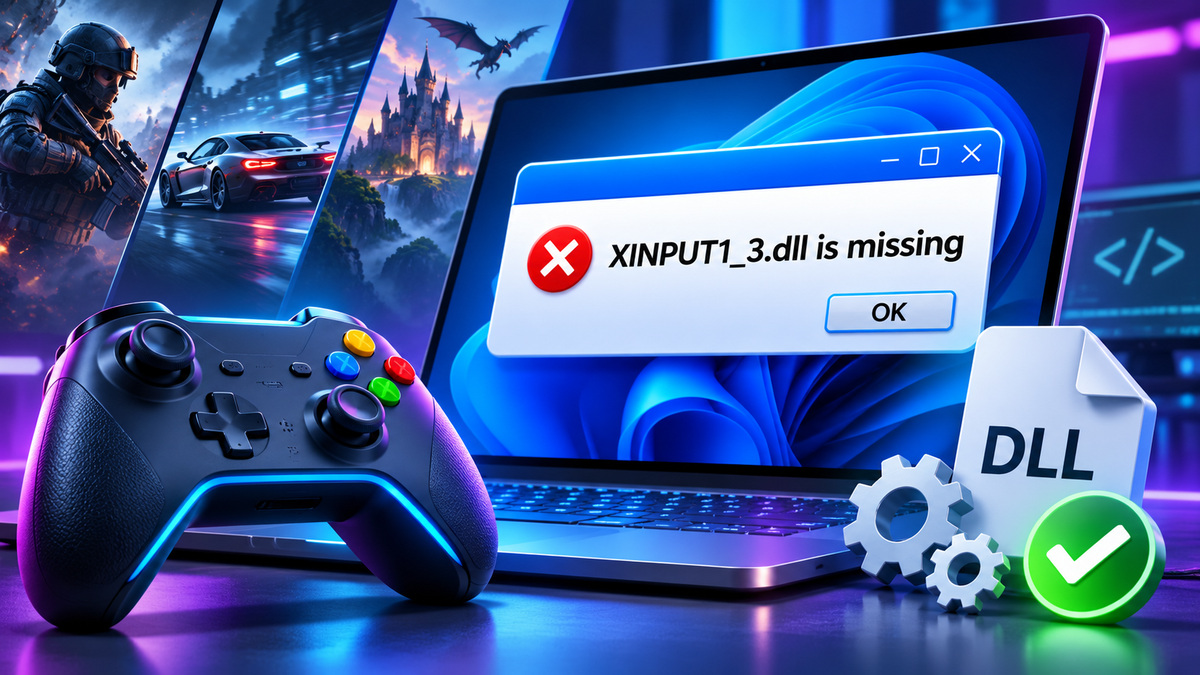
The XINPUT1_3.dll missing message commonly appears when an older Windows game expects a legacy DirectX component that is not installed. The solution is often to install the official DirectX End-User Runtimes (June 2010), rather than downloading an isolated DLL or replacing DirectX 12.
Why can XINPUT1_3.dll be missing on a new PC?
XInput is Microsoft's interface for controller input in Windows games. Windows includes newer XInput implementations, but older games may explicitly request XInput 1.3. Having a newer version of DirectX does not necessarily install every legacy side-by-side library a game expects.
Microsoft's DirectX End-User Runtimes download page states that its legacy package supplies optional components including XInput 1.3, D3DX, XAudio and XACT. It also explains that the package does not replace the operating system's built-in DirectX runtime.
How to fix XINPUT1_3.dll errors
Step 1: Check the game installation
Open the game in its launcher and use the Verify integrity or Repair function if available. Some games install legacy DirectX prerequisites from a bundled redistributables folder. Follow the publisher's official instructions before installing extra components.
Step 2: Install the Microsoft legacy runtime
Go to the official Microsoft DirectX End-User Runtimes (June 2010) page. Download the package from Microsoft, follow the installer's instructions, and reopen the game. Some versions of this downloadable package are self-extracting redistributables; extract them to a folder you control and run the included DirectX setup as instructed by Microsoft. Avoid downloading the DLL directly from random sites.
Step 3: Restart and test the game
Close other launchers and restart the computer if prompted by the installer. Start the game normally. If the message changes to a different missing file, record the new name rather than blindly adding more DLLs.
Step 4: Check game compatibility
An old title can fail for several reasons beyond XInput: outdated graphics APIs, unsupported copy protection, driver problems or incorrect game files. Check the publisher's compatibility notes and Windows requirements. Do not assume installing XInput will fix unrelated crashes.
What not to do
Do not replace an XInput DLL in a Windows system directory, copy a library found in a forum attachment, or disable Windows Security to launch an unfamiliar executable. Old game patches should be downloaded only from sources you can verify. Unofficial “DLL packs” are especially risky because they may contain unrelated executable components.
Does this change the DirectX version on Windows 11?
No. The legacy runtime adds certain optional, side-by-side components that older applications may use. It does not downgrade or replace the modern DirectX runtime included with Windows. This distinction is why newer hardware can still display an old XInput 1.3 error.
FAQ
Is XINPUT1_3.dll a virus? The filename refers to a legitimate Microsoft component, but any file bearing that name still needs a trustworthy source.
Why not use the newest DirectX alone? Different XInput library versions have different names and compatibility requirements.
Will this make every older game work? No. It only addresses one class of missing-runtime dependencies.
Sources
- DirectX End-User Runtimes (June 2010) — Microsoft
Related articles
VCRUNTIME140_1.dll Missing in Windows: What Causes It and How to Fix It
Learn what VCRUNTIME140_1.dll does, why an app may fail to start, and how to restore the correct Microsoft runtime safely.
MSVCP140.dll Missing or Not Found: Fix the Error Without Risky Downloads
MSVCP140.dll errors usually point to a Visual C++ runtime problem. Use official packages and targeted checks instead of random DLL downloads.