MSVCP140.dll Missing or Not Found: Fix the Error Without Risky Downloads
MSVCP140.dll errors usually point to a Visual C++ runtime problem. Use official packages and targeted checks instead of random DLL downloads.
On this page
- What is MSVCP140.dll?
- Symptoms to look for
- Step-by-step solution
- 1. Identify which application needs the DLL
- 2. Download the redistributable from Microsoft
- 3. Repair the existing package if necessary
- 4. Check the application itself
- When the error is not caused by MSVCP140.dll itself
- Can I download MSVCP140.dll by itself?
- FAQ
An MSVCP140.dll missing error usually means the application cannot load part of the Microsoft Visual C++ runtime it expects. Before changing system files, install or repair the supported Microsoft redistributable package that matches the application's architecture. This resolves many missing-runtime problems without introducing files from untrusted download websites.
What is MSVCP140.dll?
MSVCP140.dll is part of the Microsoft Visual C++ runtime family used by applications written in C++. The “140” filename belongs to the Visual C++ v14 runtime generation; it does not mean Windows requires a product called “Visual Studio 2014.” Microsoft's redistributable documentation explains how supported application toolsets share compatible v14 runtime components.
Symptoms to look for
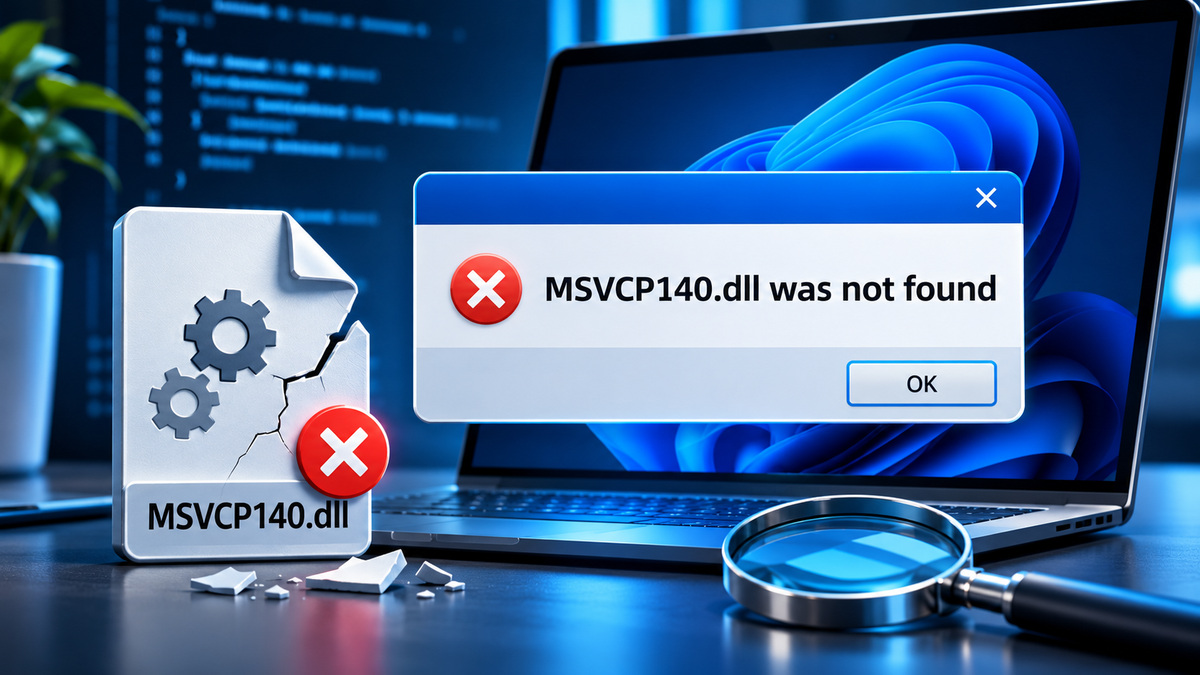
You may see “MSVCP140.dll was not found,” “The program can't start because MSVCP140.dll is missing,” or a message saying the application failed to start. The failure may happen with one game, an installer, a desktop utility or several programs after software was removed.
If only one application fails, start with that application's installer and prerequisites. If many unrelated applications fail, consider a shared runtime installation problem.
Step-by-step solution
1. Identify which application needs the DLL
Write down the exact error text and program name. Confirm whether the program is a 32-bit or 64-bit build, using the vendor's system requirements or installation information. Windows 11 running on x64 hardware can run 32-bit applications, which may need the x86 Visual C++ Redistributable.
2. Download the redistributable from Microsoft
Visit Microsoft Learn: Latest Supported Visual C++ Redistributable Downloads. Select the architecture suitable for the program, run the official installer, and restart if prompted. Avoid unofficial “one-click DLL fix” downloads and installers that bundle unrelated software.
3. Repair the existing package if necessary
In Windows Settings → Apps → Installed apps, locate the Microsoft Visual C++ Redistributable matching your application's architecture. If the installed product supports a repair operation, use it. Otherwise, reinstall the corresponding official package. Do not remove older Visual C++ packages indiscriminately, because other applications may still rely on them.
4. Check the application itself
Use the publisher's Repair, Verify files, or reinstall function. Obtain the installer from the developer, software distributor, or trusted app store. If Windows Security has quarantined files, inspect the security history and confirm the files' origin before taking any action; never whitelist an unknown file simply because the application requests it.
When the error is not caused by MSVCP140.dll itself
A dialog may name MSVCP140.dll even when the actual failure involves another dependent DLL, a damaged application package, or a mismatched architecture. If installation of the correct runtime does not fix it, capture the full error and consult the application's official support channel. Where Windows itself is unstable, Microsoft's system file repair guide explains when DISM and SFC are appropriate.
Can I download MSVCP140.dll by itself?
For a typical home user, installing the Microsoft redistributable is the recommended approach. A standalone file from an arbitrary DLL site can be outdated, modified, or mismatched; it may also hide the deeper problem. Keep Windows Security enabled and do not edit protected Windows directories as a first troubleshooting step.
FAQ
Does MSVCP140.dll come with Windows 11? Its availability depends on installed applications and redistributable packages. Do not assume every Windows installation has every Visual C++ runtime component.
Should I install x86 or x64? Match the target application. You may need both when using both 32-bit and 64-bit software.
Is the Microsoft package free? Microsoft's redistributable download page provides the supported installers and applicable licensing information.
Sources
- Latest Supported Visual C++ Redistributable Downloads — Microsoft
- Use System File Checker — Microsoft
Related articles
VCRUNTIME140_1.dll Missing in Windows: What Causes It and How to Fix It
Learn what VCRUNTIME140_1.dll does, why an app may fail to start, and how to restore the correct Microsoft runtime safely.
XINPUT1_3.dll Missing? How to Fix the Error in Older PC Games
Older games can need the optional legacy DirectX XInput 1.3 component, even on a Windows PC with a modern DirectX version.